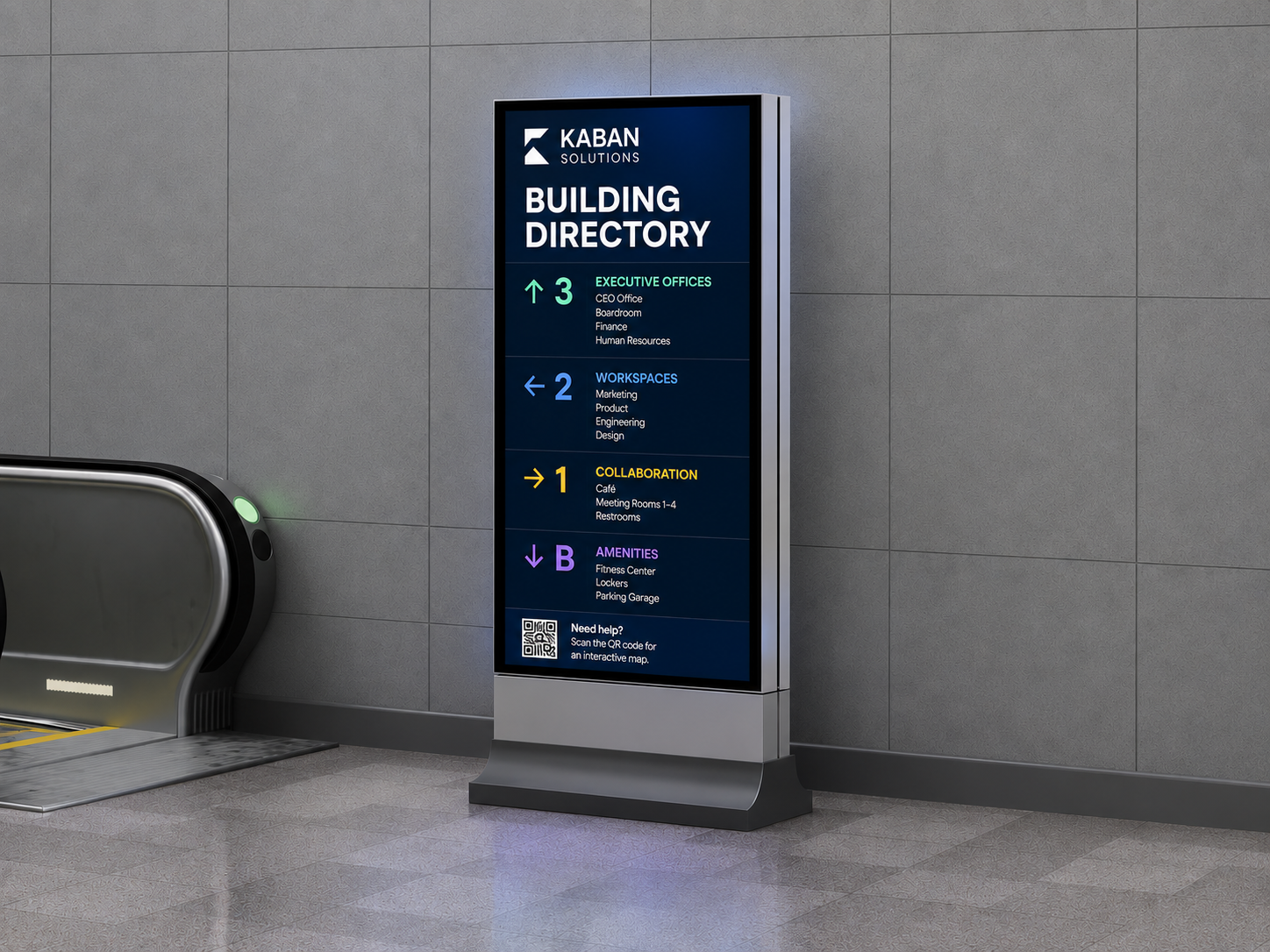
Digital signs.
Connected spaces.

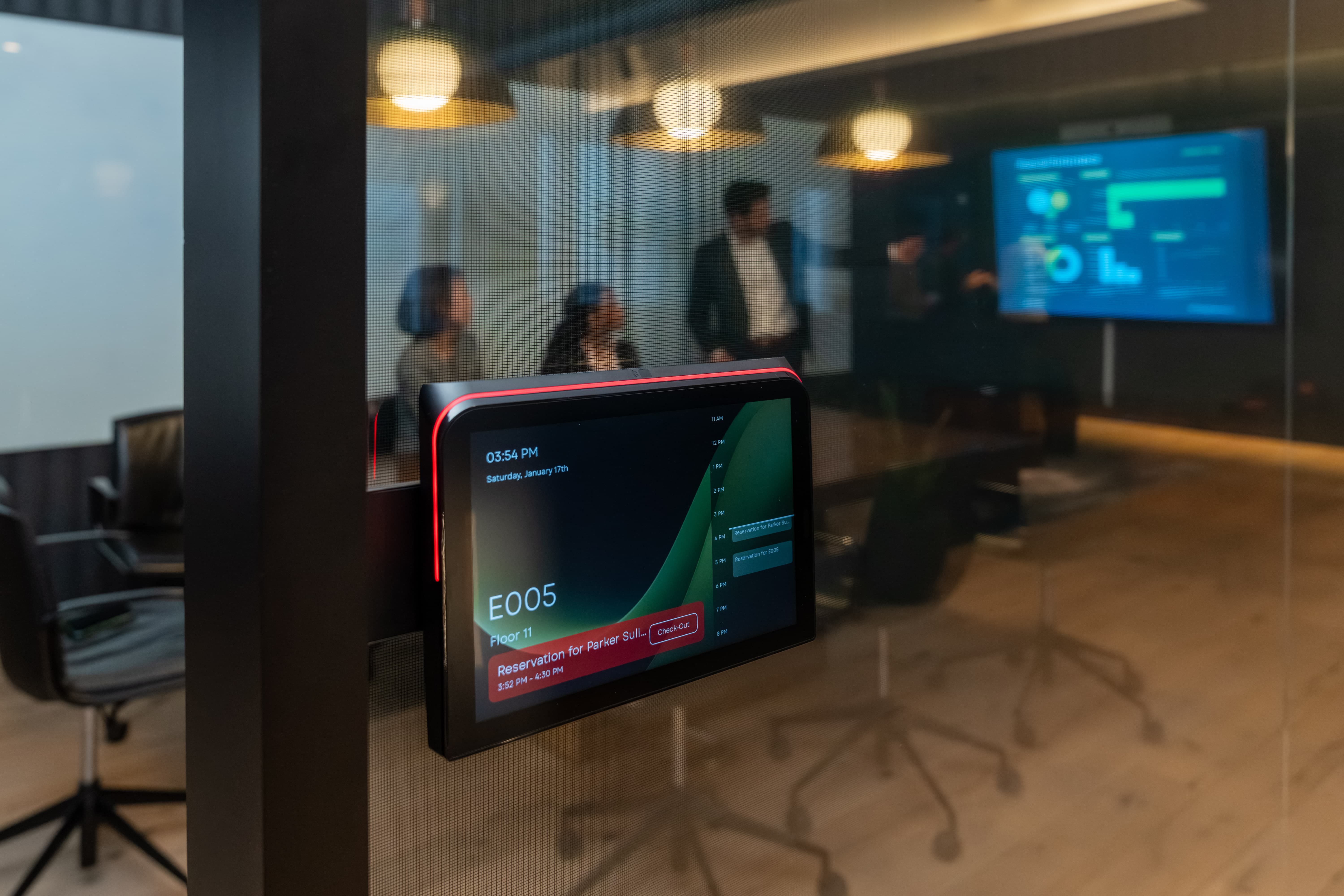
We connect your software to smart signs and status lights across your workplace.

A white 3D office with a glass meeting room, shared desks, focus booths, phone booths and a reception screen. Red and green lights show which spaces are free.

Tap in with what
you already carry.

Two taps cover almost everyone: the badge already on their lanyard, or the phone already in their pocket. Everything else still works on the same reader.

RFID Badge
Existing access card
Mobile Credentials
Phone tap, no badge
Apple Wallet Google Wallet
Also works with
NFC
BLE
QR
Touch
HID-Certified Works with the access cards your team already uses. Zero new credentials issued. Most rollouts deploy without IT touching the badging system at all.
–78%

Ghost-booking reduction 

Measured by comparing booked-but-unused room-minutes pre- and post-rollout. 90-day average across 42 customer rollouts.
300K+

Active devices deployed worldwide 

Count of active Embrava devices deployed across customer sites worldwide.
85%

Employee adoption rate after rollout 

% of in-office employees creating at least one booking through the connected platform, measured after rollout.
99.9%

Device uptime across production environments 

Share of fleet-hours a device was online and responsive, rolling 12-month average across all production deployments.

Plugs into the stack you already run.

Open API, no middleware, no rip-and-replace, and no new credentials for your team to remember.

See all integrations
  • Microsoft 365
  • Zoom
  • Korbyt
  • Johnson Controls
  • Envoy
  • OfficeSpace
  • Maptician
  • Accruent EMS
  • Calven
  • Robin
  • Appspace
  • ServiceNow

See the math.
It's yours in 15 seconds.

Drag the sliders. We'll update the projected savings live, based on the 78% average ghost-booking reduction across rooms and desks in 42 customer rollouts.

120
900
Projected annual savings
$1.08M
Based on 78% ghost-booking reduction
Spaces recovered
796
Payback period
6.0 mo

What's New.

A workplace lobby with a wall-mounted digital signage screen showing the time, with an Embrava Any Sign player labeled Any display, centrally managed.
Article / November 2026

Workplace Digital Signage: What to Show, Where, and Who Manages It

Plan workplace digital signage: what each screen should show, where to place it, and which team should manage it. Includes an ownership table and content checklist.

Read more →
Three working definitions on cards. Data residency: in which country or region does the data sit? Data localisation: does a law require this data to stay here? Data sovereignty: whose law applies, and who can get to the data? A contract can satisfy one and leave another open.
Article / November 2026

What Does Data Sovereignty Mean for Workplace Technology?

Data sovereignty vs residency vs localisation, the laws behind them, what workplace tools collect, and eight question groups to ask vendors.

Read more →
Two lanes. In the first, a person taps a badge or phone credential on a desk display. In the second, a person scans a code with their own phone. In both, the desk status updates on the display.
Article / November 2026

How Does Desk Check-In Work? Badge, RFID, NFC and QR Explained for IT

How badge, RFID, NFC, wallet and QR desk check-in work, what to confirm before rollout, and what to check when a tap does not find a booking.

Read more →
A booking system entry for Meeting Room 01 listing Configuration Review at 1:30 pm and Sprint Planning at 3:00 pm, connected to an Embrava Room Sign showing the same room and schedule at the door.
Article / November 2026

Meeting Room Booking System: How Room Displays Work With Your Booking Software

How a meeting room booking system and a room display work together: reservations, rules, check-in and release, and what to check before you choose.

Read more →
Embrava Room Sign mounted on the glass beside a meeting room door, showing room E005 as Available while a person holds a phone to the display.
Article / November 2026

Conference Room Display: What to Look For in a Meeting Room Sign

What to look for in a conference room display: status from across the floor, check-in, booking platforms, accessibility, power and managing a fleet.

Read more →
Two shared desks, each with a small display. Desk 412 shows Reserved and Desk 430 shows Available.
Article / October 2026

Why Do Booked Desks Sit Empty? How to Diagnose and Fix It

Booked desks sit empty for different reasons. Learn to tell a no-show from an early departure or a missed check-in, then fix the right one.

Read more →
Max Newman, Partner Manager at Embrava
Vol. 2 / August 2026

Embrava Partner Newsletter

Our first partner webinar is set, a new Eptura spotlight, and a simpler two-tier partner program.

Read more →
Embrava Room Sign showing a room reservation

Reduce Ghost Booking

Ghost booking wastes real office space and skews your space utilization data. Five practical ways to get accurate meeting room utilization back.

Read more →
Digital signage wayfinding kiosk in an office lobby

Digital Signage, Beyond Displays

Digital signage has moved past the TV on the wall. See where real-time communication is showing up across the workplace, and how Any Sign turns any screen into part of it.

Read more →
Any Sign device

Smarter Screens. Simpler Management.

Any Sign transforms any display into a centrally managed communication hub. Room schedules, wayfinding, AI-generated content — all from one platform.

Read more →
Embrava team at trade show

See Us This Fall

PropTech Connect, WorkSpaces, CoreNet Global Summit — we're heading to a packed fall event season. Come find us.

Read more →
Max Newman, Partner Manager at Embrava
Vol. 1 / July 2026

Embrava Partner Newsletter

Partner webinar series, HID spotlight, deal registration reminders, and a note from Max. Our first monthly partner update is live.

Read more →